App Screenshots
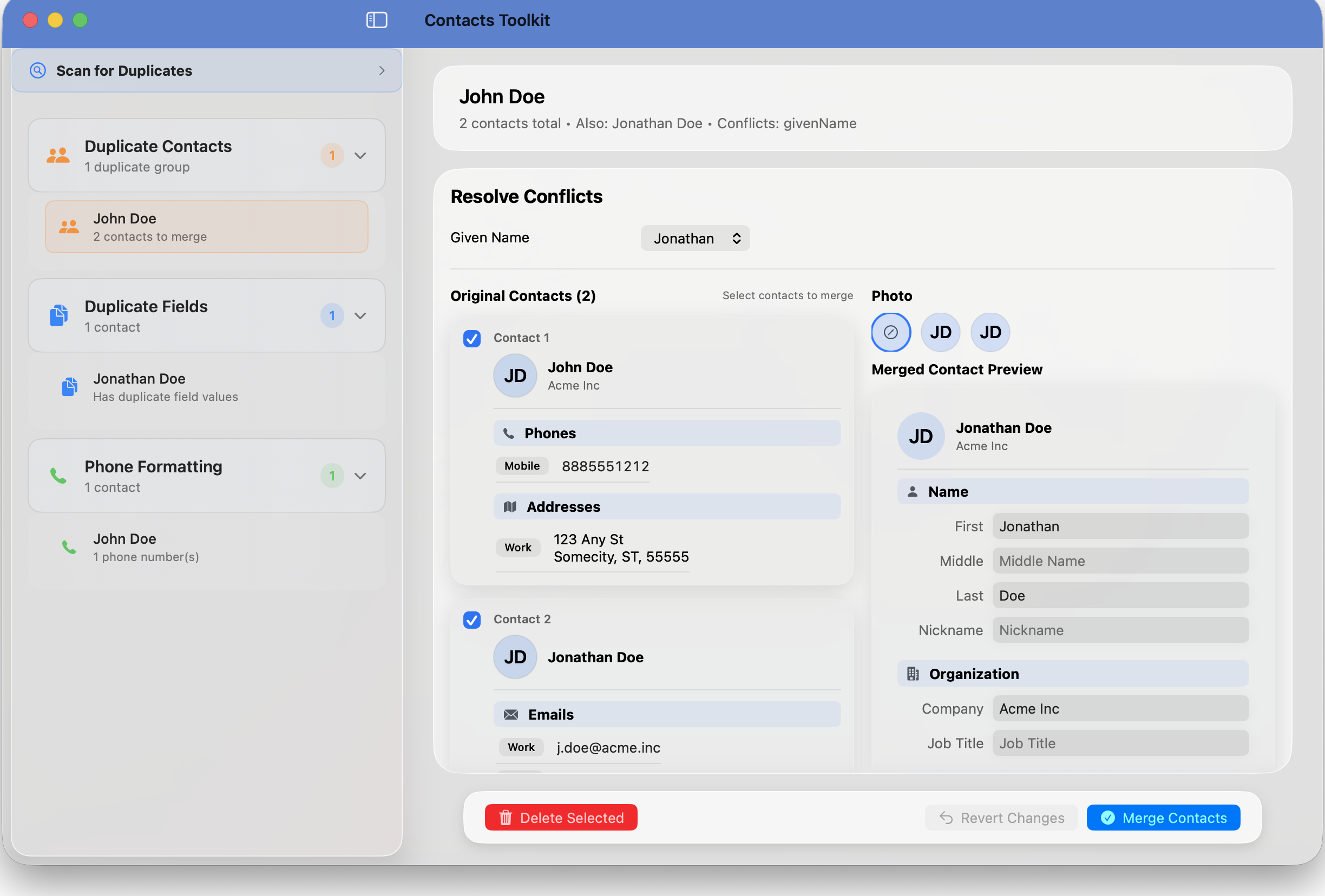
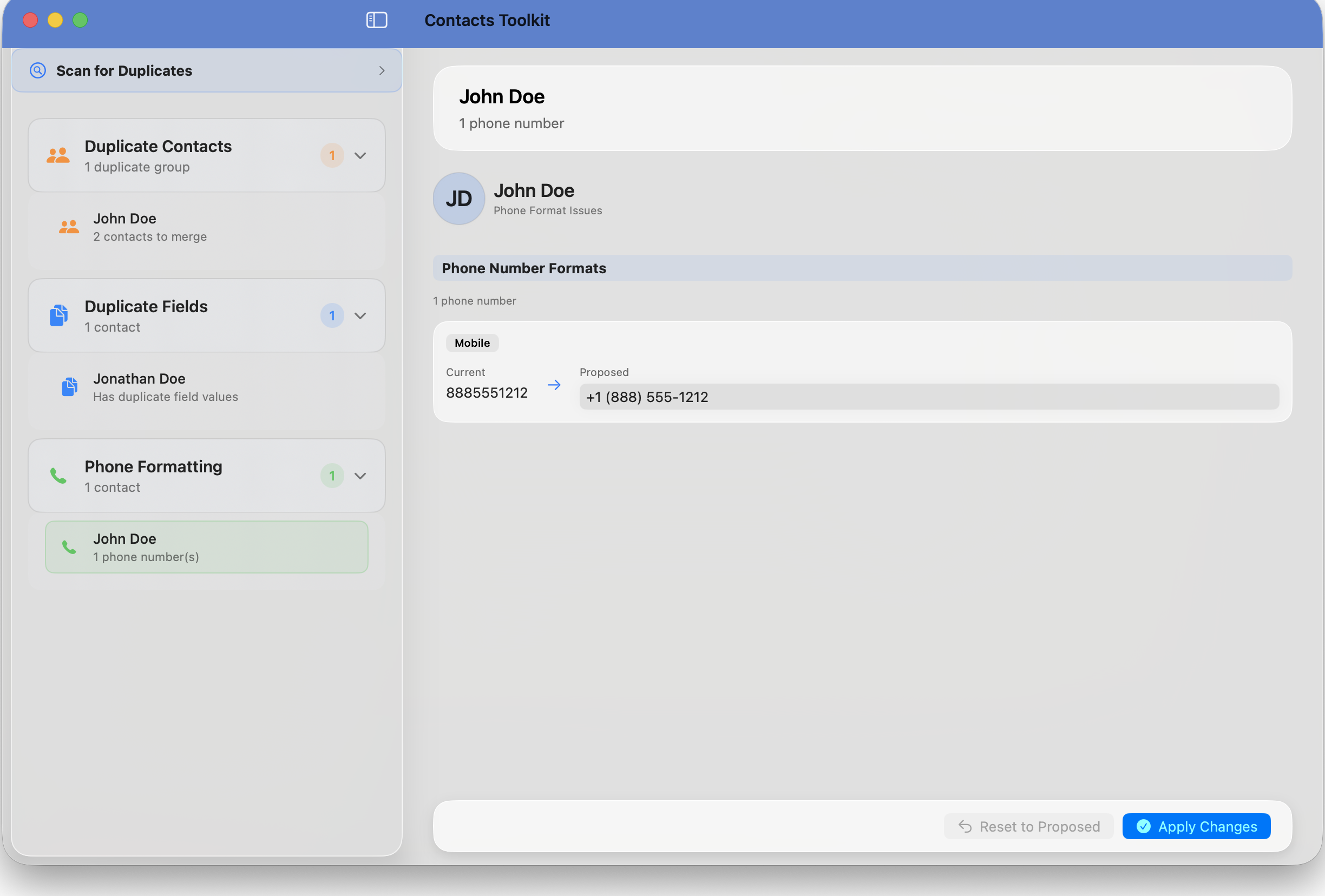
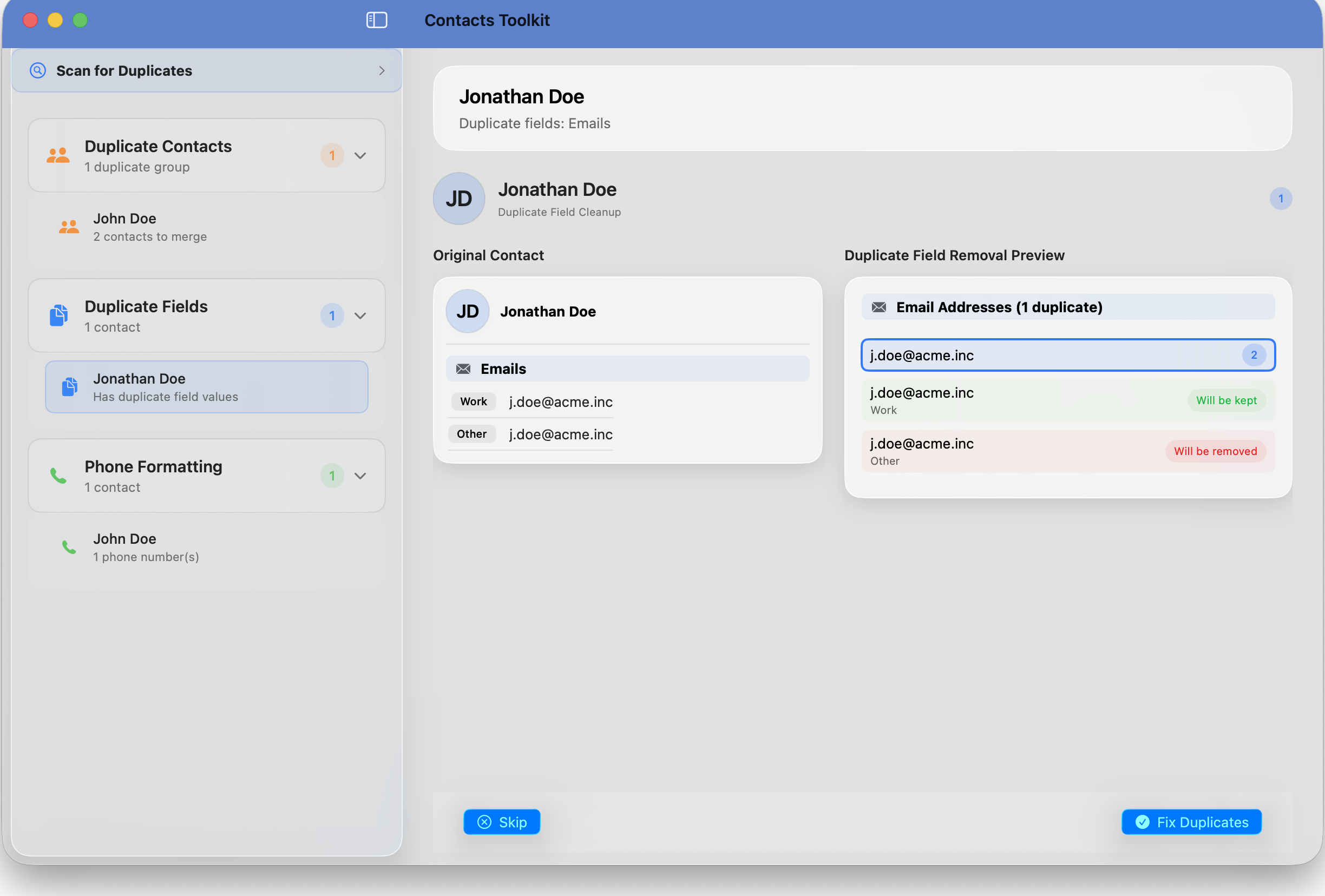
Get help with Contacts Toolkit - the professional contact management app for macOS. Find answers about duplicate detection, phone formatting, and smart merging features.
Learn about smart duplicate detection, merging, and phone number formatting.
View FAQ →Get help with app features, privacy questions, or Mac integration issues.
Contact Us →Contacts Toolkit automatically scans your entire contact database and identifies potential duplicates using intelligent matching algorithms. It looks at names, phone numbers, email addresses, and organization information. The app then presents you with a preview of suggested merges, allowing you to review and approve each merge before applying changes.
Contacts Toolkit has stringent privacy protections - we collect absolutely no user data. The app works directly with your Mac's native Contacts app, and all processing happens locally on your Mac. No data is transmitted, stored, or backed up by our app. You maintain complete control over your contact data.
The app standardizes phone number formats across your entire contact list. It converts plain numbers to properly formatted versions and ensures consistency. This makes your contacts look more professional and helps with better organization and searchability.
Contacts Toolkit costs $7.99 USD on the Mac App Store and requires macOS 14.0 or later. It's a one-time purchase with no subscription fees. The app is designed for professionals, business owners, and anyone who wants to maintain an organized digital contact list.
Yes, we recommend backing up your contacts before making changes. Due to our stringent privacy protections, Contacts Toolkit does not create automatic backups. You can easily export your contacts from the Mac Contacts app (File > Export > Contacts Archive) before using our cleanup tools. This ensures you have a restore point if needed.
Yes! Since Contacts Toolkit works directly with Mac's built-in Contacts app, any changes you make will automatically sync according to your Mac's native contacts behavior and your existing iCloud settings. Contacts Toolkit itself does not sync any data - it simply modifies your local contacts, and macOS handles the syncing.
Send us a message and we'll get back to you as soon as possible.